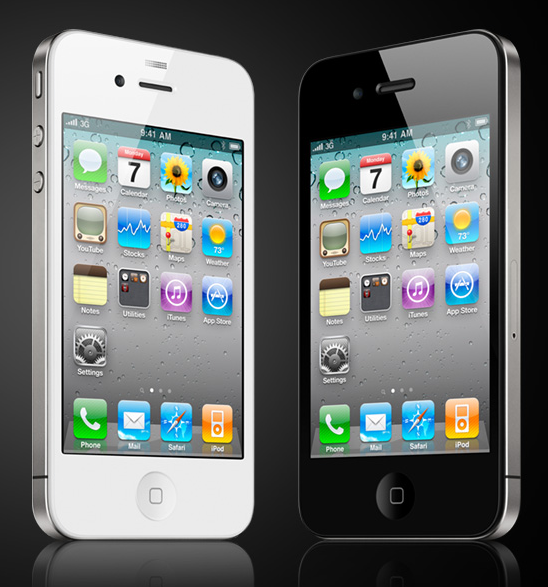
I enjoy useful, efficient apps that have a purpose, actually a lot of the apps on my iPhone I keep them because of their usefulness and functionality. Below are my Top 5 iPhone Apps:
What good is a front facing camera if you can’t connect with others not using iPhone4?! Right?! Well, wrong! Yes, Skype is not yet available for iPhone 4, hopefully soon they will but if waiting for Skype is too much how about… Fring is a fabulous app that allows you to connect with your Skype buddies as well as other buddies and actually have a video chat with them. I find it very cool when I’m not home near my laptop and I would like to video chat with my family in DR.

The NYC 311 app is a great app to have especially if you are the type that likes to complain about issues in NYC and wish someone would do something about them. Well this is the app for you! With NYC 311 app you can report problems such as broken traffic lights, building graffiti, damage signs, potholes, etc… The app uses GPS to locate the location.
NYC Mate is a great app if you are new to NYC and need to know what bus or train to take to get around. The app has an updated subway map as well as updated bus maps by boroughs. Clicking on the stations on the map opens a slide with more information on that station such as schedule times and neighborhood views. This is truly useful.

What’s a fancy camera and it’s amazing colors if you can’t share your joy with others?! I enjoy taking pics on the go, and having a phone that allows me to click and post, whether it’s for Twitter, Facebook or email it to later use on a post is a MUST!! Well as a Blogger this app is a necessity: Photoshop Mobile or PS Mobile for short. Think of it as a condense version of Adobe Photoshop right at your fingertips. It crops, it sharpens, adjust your brightness and contrast, and even add borders and cool effects. Best of all you can email it, Facebook it, Twitter it or just save it on your phone. It’s great!
Last but not least is i-Nigma an app that I recently installed on my phone and haven’t used it as much, but I know will be very useful inthe near future. This app allows you to scan barcodes. Not just any barcodes but those QR-Codes (mobile barcodes). Lately I’ve been seeing these codes everywhere, even on business cards. This app lets you scan the code and it’ll direct you where the code leads. Technology is truly amazing!
These are not just my top 5 iPhone apps, but they are also my top 5 iPhone apps that are compatible with me and are FREE!!
2 replies on “Top 5 iPhone Apps”
[…] Top 5 of the Hottest iPhone Apps – KMP Blog […]
[…] The Genius of Joan Rivers and Other TV Beauty Products – Everything She Wants Top 5 of the Hottest iPhone Apps – KMP Blog […]